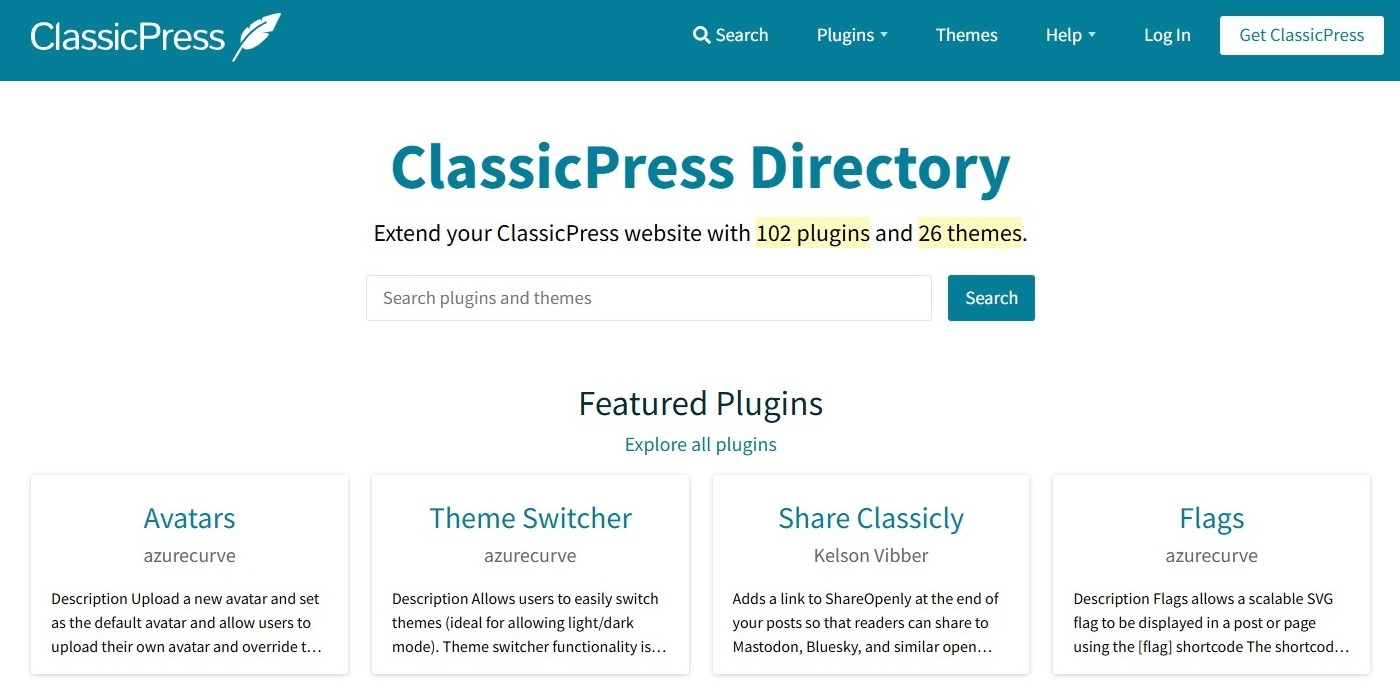
Are you a developer with a plugin or theme hosted on the WordPress Repository (or elsewhere), and you want to support ClassicPress as wel? Great, we encourage developers to add support for ClassicPress to their plugins and themes!
This document will give you all the info you need in order to properly support ClassicPress.
HeadersLink to this section
ClassicPress version 2 is based on the WordPress 6.2 branch, so the Requires at least header in your main plugin file or theme file style.css (and your readme.txt file) should be WordPress 6.2 or lower. Otherwise you cannot install nor update the plugin or theme in ClassicPress.
If your plugin or theme uses blocks or functions that require WordPress 6.3 or higher, you should disable this for ClassicPress in order to make the plugin or theme compatible with ClassicPress. This may also mean you should provide an alternative for the disabled features. For more info see the Blocks and Functions section below. As soon as your plugin or theme supports ClassicPress, you can update the Requires at least header to the appropriate WordPress version.
Note: do not use the ClassicPress Requires CP header in your plugin or theme that is hosted on the WordPress Repository, as this will disable updates from WordPress. More info about this and other ClassicPress specific headers can be found here (for plugins) and here (for themes).
ClassicPress tagLink to this section
Plugins can be tagged ‘ClassicPress’ to allow users to easily find them when searching on the WordPress.org site or the Plugins screen in the ClassicPress admin panel.
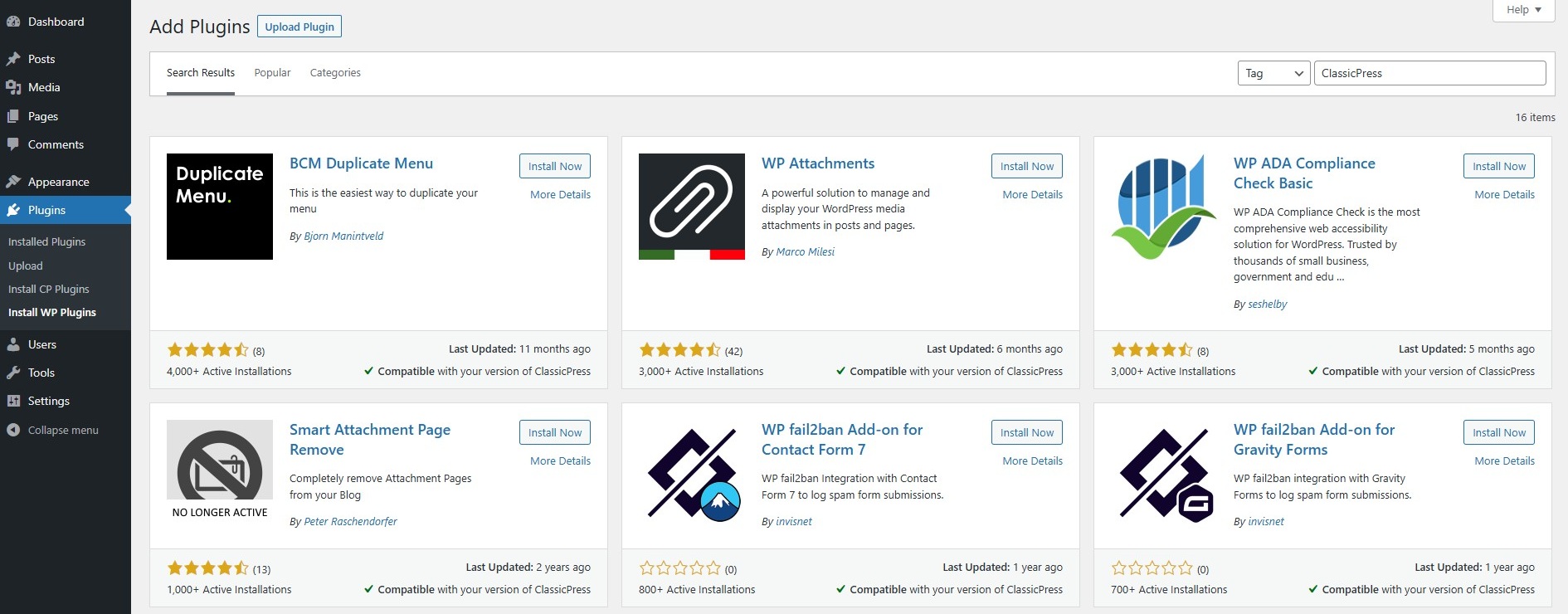
You can find all plugins currently tagged with ‘ClassicPress’ in the WordPress Plugin Repository on this list.
Tags should be included in the plugin’s readme.txt file. Please note that WordPress allows max. 5 tags.
Unfortunately WordPress does not support the ‘ClassicPress’ tag for themes, so in order to make the theme findable you should mention ‘ClassicPress’ in its description.
BlocksLink to this section
If your plugin or theme requires blocks, these will not work in ClassicPress. So there’s no need to proceed.
But if your plugin or theme comes with an alternative for blocks, you should disable blocks in ClassicPress, and provide the alternative instead.
For example, a contact form plugin could have a block based form and a shortcode based form. Make sure that in ClassicPress only the shortcode based form is available.
You should always include a check to determine if ClassicPress is being used. This can be done with the ClassicPress specific function called classicpress_version().
Blocks that require WordPress 6.2 or lowerLink to this section
In order to load the block in WordPress only, you should check for this:
- If the ClassicPress specific function
classicpress_version()does not exist - If the
register_block_type()function does exist
Only checking for the register_block_type() function may conflict with the Blocks Compatibility feature of ClassicPress. That’s why the ClassicPress version check is also being done.
Add this condition to the relevant file, such as your main plugin file or theme file functions.php:
if ( ! function_exists( 'classicpress_version' ) && function_exists( 'register_block_type' ) ) {
  // include / register your block..
}
Blocks that require WordPress 6.3 or higherLink to this section
If the block requires WordPress 6.3 or higher (for example when using the Block API version 3 in your plugin or theme), you should add an extra check for WordPress version.
The check for WordPress version is included to avoid a conflict with WordPress 6.2 or lower, because (as mentioned before) in order to support ClassicPress the Requires at least header must be changed to version 6.2 or lower.
In order to load the block in WordPress only, you should check for this:
- If the ClassicPress specific function
classicpress_version()does not exist - If the
register_block_type()function does exist - If the WordPress version is 6.3 or higher
Add this condition to the relevant file, such as your main plugin file or theme file functions.php:
if ( ! function_exists( 'classicpress_version' ) && function_exists( 'register_block_type' ) && ( get_bloginfo( 'version' ) >= '6.3' ) ) {
  // include / register your block..
}
Change the minimum required WordPress version to your needs, depending on your situation.
FunctionsLink to this section
If your plugin or theme requires this function, it will not work in ClassicPress. So there’s no need to proceed.
But if your plugin or theme comes with an alternative for the function, you should disable the function in ClassicPress, and use the alternative instead.
For example, if your plugin or theme uses a WordPress function called do_blocks() to output block content, you can use the do_shortcode() function in ClassicPress instead. Naturally this requires the shortcode to be supported by your plugin or theme as well.
You should always include a check to determine if ClassicPress is being used. This can be done with the ClassicPress specific function called classicpress_version().
Functions that require WordPress 6.2 or lowerLink to this section
In order to create and/or output the do_blocks() function in WordPress only, you should check for this:
- If the ClassicPress specific function
classicpress_version()does not exist - If the
do_blocks()function does exist
Only checking for the do_blocks() function may conflict with the Blocks Compatibility feature of ClassicPress. That’s why the ClassicPress version check is also being done.
Add this condition to the relevant file, such as your main plugin file, theme file functions.php, or a template file:
if ( ! function_exists( 'classicpress_version' ) && function_exists( 'do_blocks' ) ) {
  // create function or output (block) content..
}
Change the function name to your needs, depending on your situation.
Functions that require WordPress 6.3 or higherLink to this section
If the function requires WordPress 6.3 or higher (for example when using the Block API version 3 in your plugin or theme), you should add an extra check for WordPress version.
The check for WordPress version is included to avoid a conflict with WordPress 6.2 or lower, because (as mentioned before) in order to support ClassicPress the Requires at least header must be changed to version 6.2 or lower.
In order to create and/or output the do_blocks() function in WordPress only, you should check for this:
- If the ClassicPress specific function
classicpress_version()does not exist - If the
do_blocks()function does exist - If the WordPress version is 6.3 or higher
Add this condition to the relevant file, such as your main plugin file, theme file functions.php, or a template file:
if ( ! function_exists( 'classicpress_version' ) && function_exists( 'do_blocks' ) && ( get_bloginfo( 'version' ) >= '6.3' ) ) {
  // create function or output (block) content..
}
Change the function name and the minimum required WordPress version to your needs, depending on your situation.
Create Plugin or Theme for ClassicPressLink to this section
Do you want to create a plugin or theme just for ClassicPress? Great!
Head over to the ClassicPress docs to find the info that will get you started.
Approved themes and plugins are listed in the ClassicPress Directory, so they become available for all ClassicPress users.