
ClassicPress contains two built-in editors that allow you to edit plugin and theme files directly from your browser. They are called the Plugin File Editor and Theme File Editor.
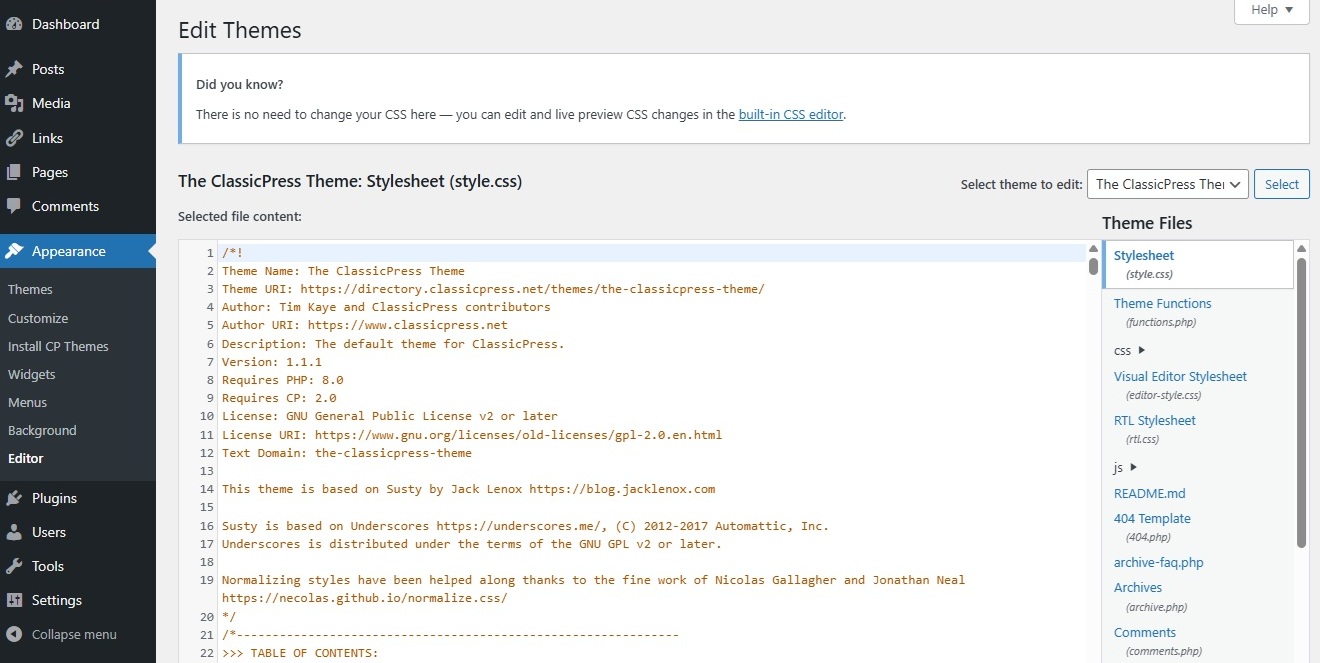
The File Editor for plugins and themes is disabled in new installations. This provides an additional layer of security if a hacker gains access to a well-privileged user account. It also prevents overzealous users from being able to edit sensitive files and potentially crash the site.
If you want to enable the File Editor, you should edit your wp-config.php file.
In your site’s dashboard then go to Plugins > Plugin File Editor or Appearance > Theme File Editor, select the specific plugin or theme from the select box on the right, and edit the file(s).
Please note that files must be writable, otherwise you cannot edit them. This depends on the file permission set by your host.
Use the File Editor carefully. Editing your plugin or theme directly could break your site and your changes may be lost in future updates.
Because your changes may be lost in future updates, we do not recommend using the File Editor on any plugin and theme that is listed in the ClassicPress or WordPress (or any other) directory/repository. For themes consider using a child theme instead.